What Sitelore does
Four outcomes for the teams that run your sites, from one record the asset manager holds.
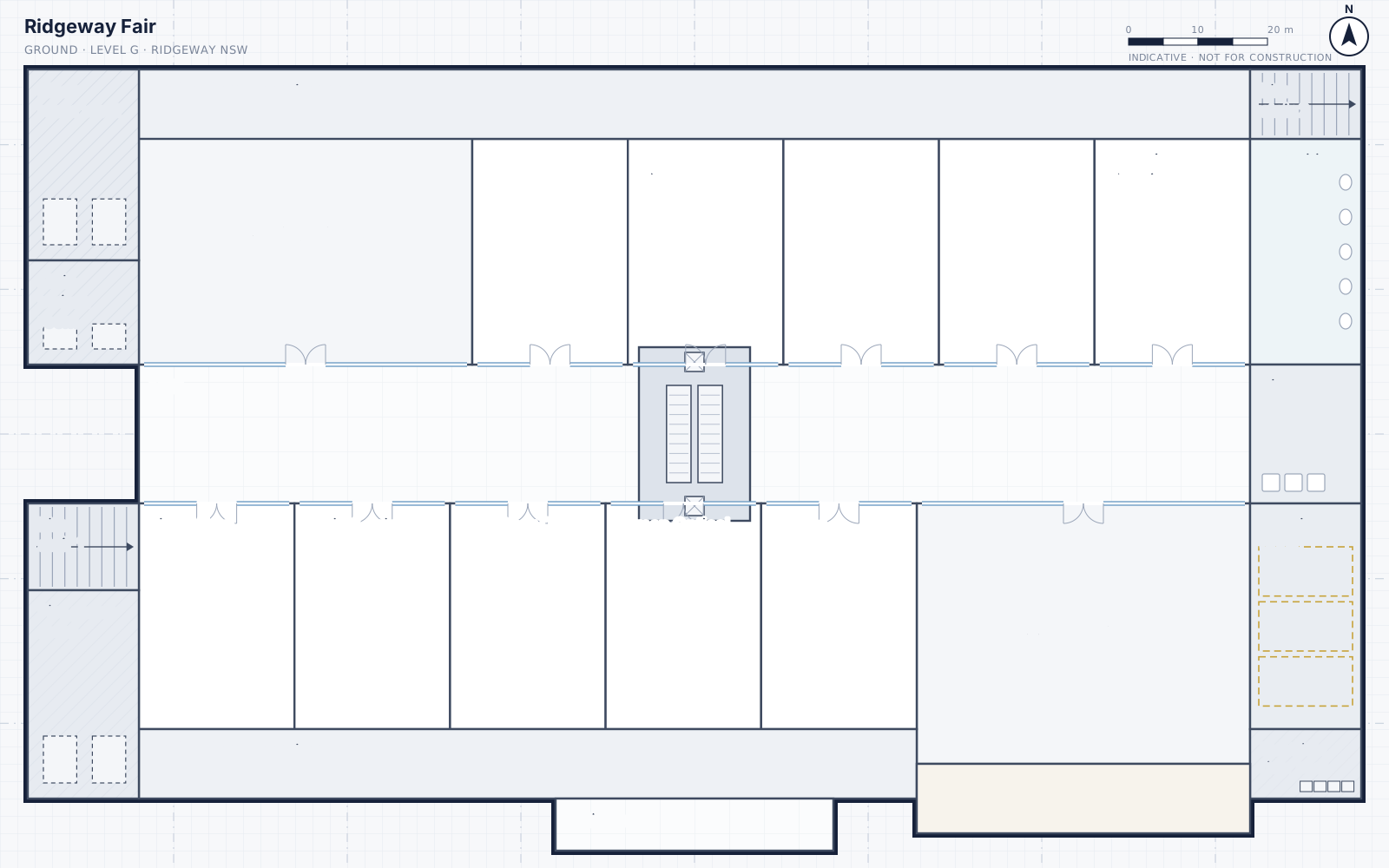
01 · Asset location and identification
Find any asset, and know exactly what it is.
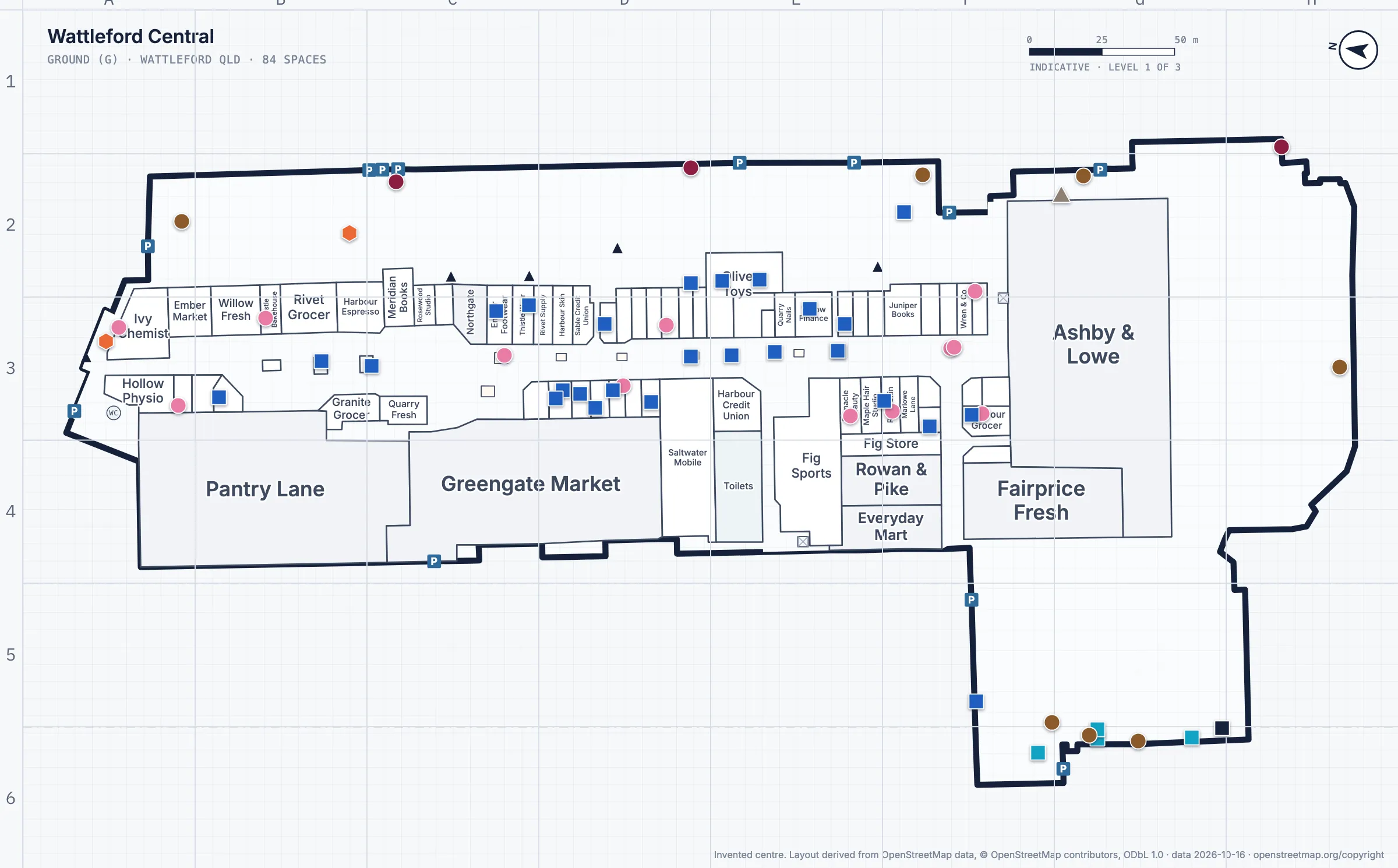
Every asset on the plan
Pinned on the floor plan with a photo, a tag and a grid reference.
Colour by type, filters by trade
The plan opens clean. Switch on only what you need.
Search the way you talk
Tags, shop names, rooms, or "what feeds EM-01".
What feeds what
Each board records its supply and what every circuit feeds.
02 · Operational streamlining
Less chasing, fewer wasted call-outs.
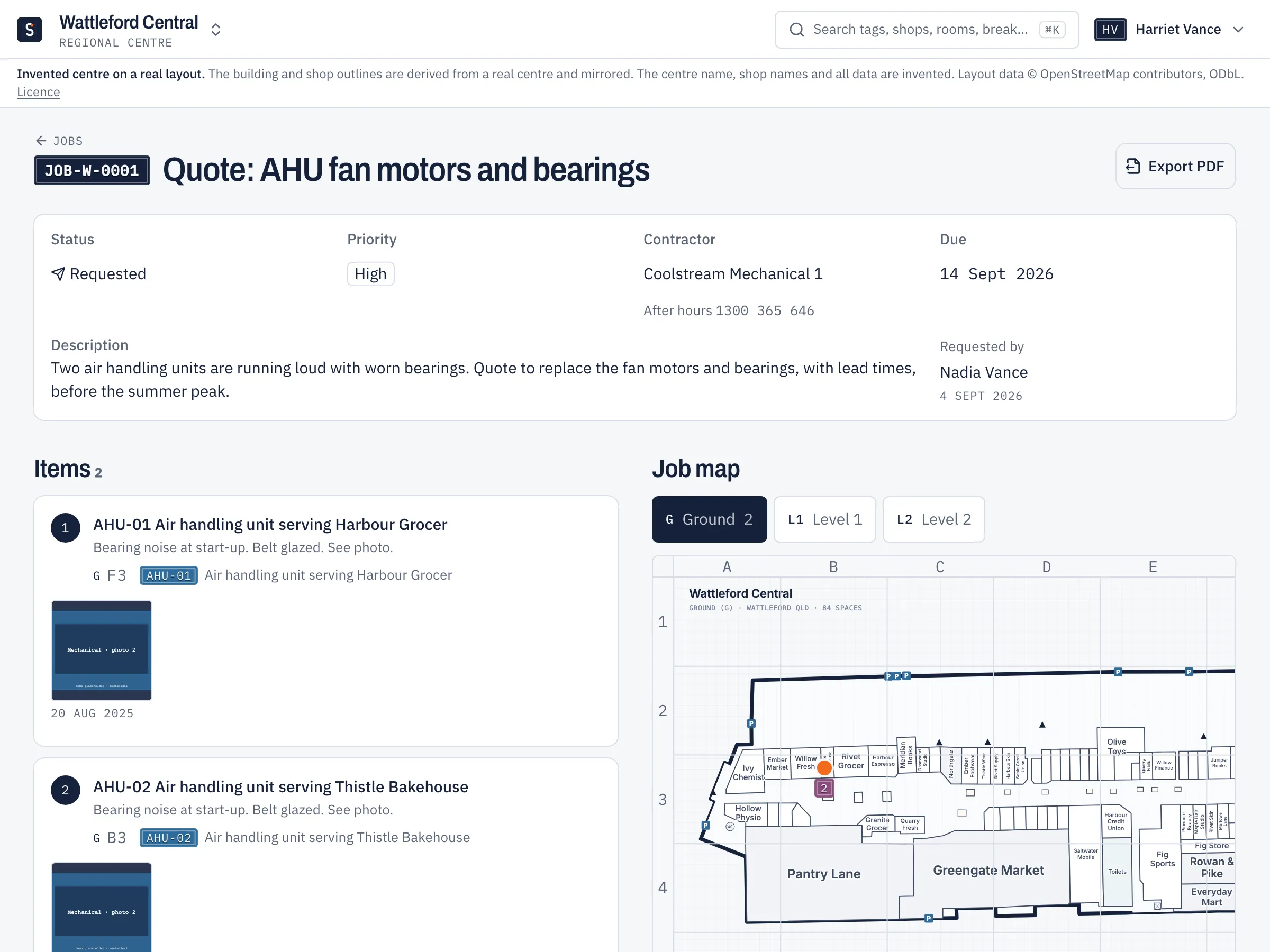
Work requests on the plan
Pin each item, add photos, then email it or export the PDF.
Contractor access
Contractors see only their own assets. Revoke access in one click.
Who to call, and who is on
After-hours escalation order and this week’s roster, with photos of the roster kept.
Emergency codes and incident card
Steps, isolation points and contacts, printed for the control room.
03 · Capex budgeting
Budgets built from the register, not rebuilt every year.
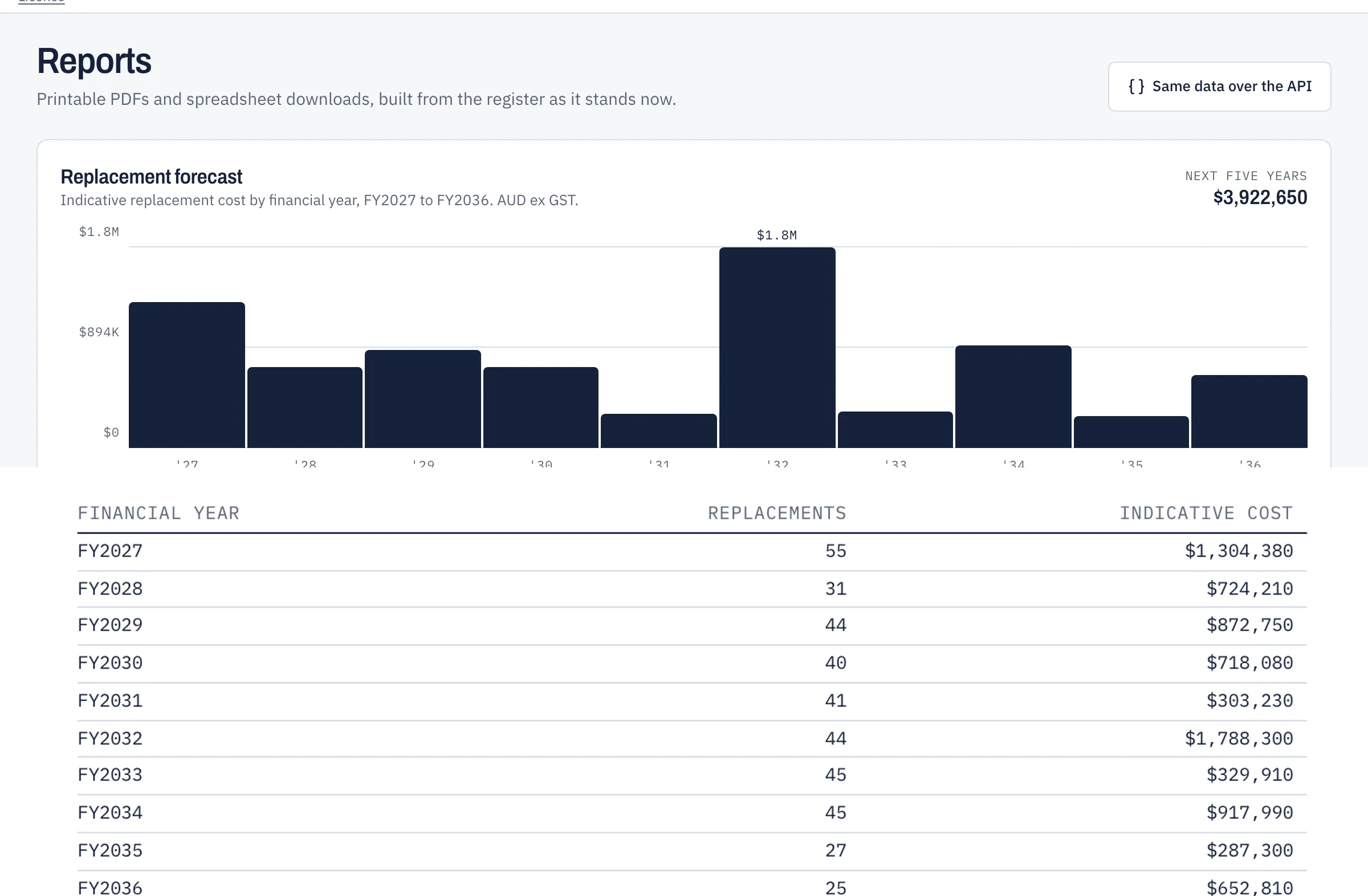
Replacement forecast
Totals by financial year from install and replace-by dates.
Capex alerts
Flags anything past its replace-by date, and what falls due inside a notice period you set: 6 months, 12 months or your own.
Portfolio view
Compare record quality across every centre you manage.
Reports and exports
Register, forecast, compliance and board schedules as PDF, Excel or JSON.
04 · Knowledge transition
When people change, the knowledge stays.
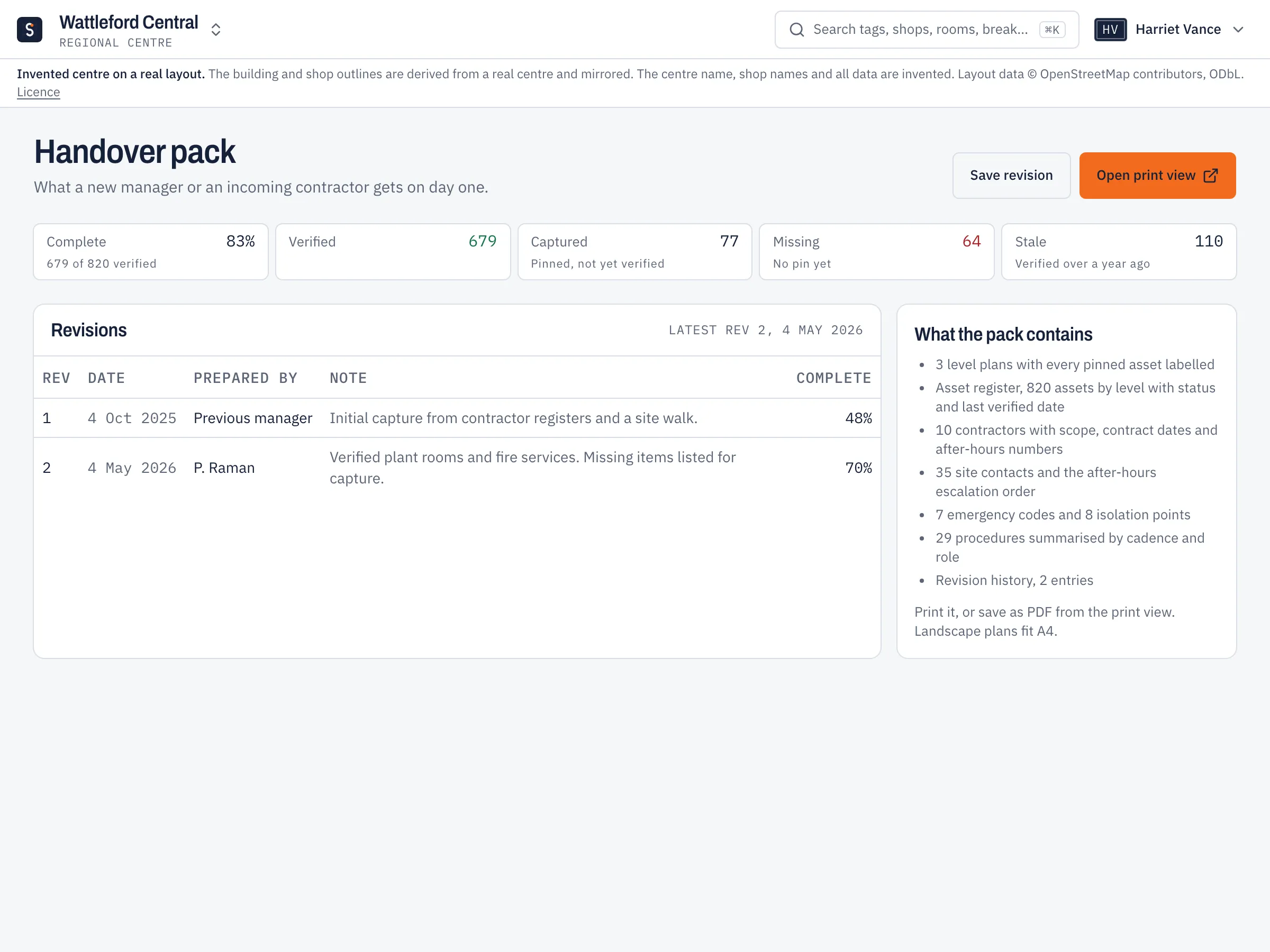
Handover and transition packs
One printable pack for a new manager or an incoming contractor.
Role guides by cadence
Daily to annual tasks for each role, at this site.
Bring in what you have
Import existing registers by spreadsheet or sync, matched by tag.
Photos kept with the record
Asset photos and photos of the areas each board serves.
Built to fit how your sites already work.
-
Works on any phone
Opens in the browser and adds to the home screen.
-
Roles and permissions
Each person gets the access their job needs.
-
Standalone
Runs on its own. AI features are optional and off by default.
-
Your data stays yours
Each centre’s record exports in full at any time.